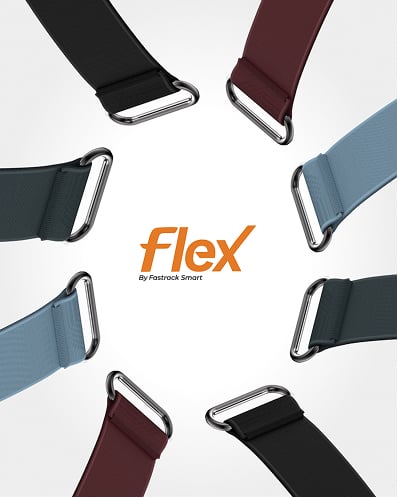
Fastrack Flex












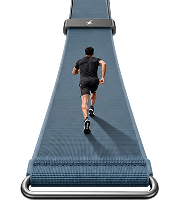
Own it. Style it.
 it.


Frequently Asked Questions
1. How do I turn Flex by Fastrack Smart ON or OFF?
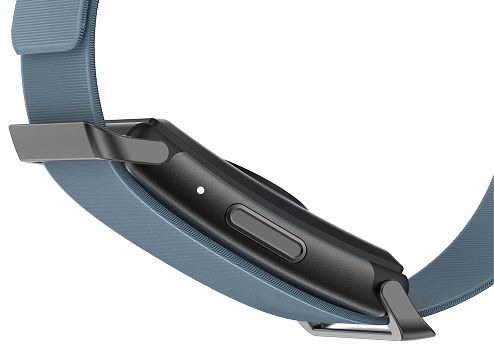
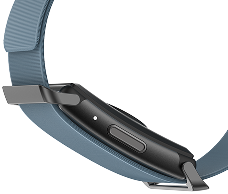
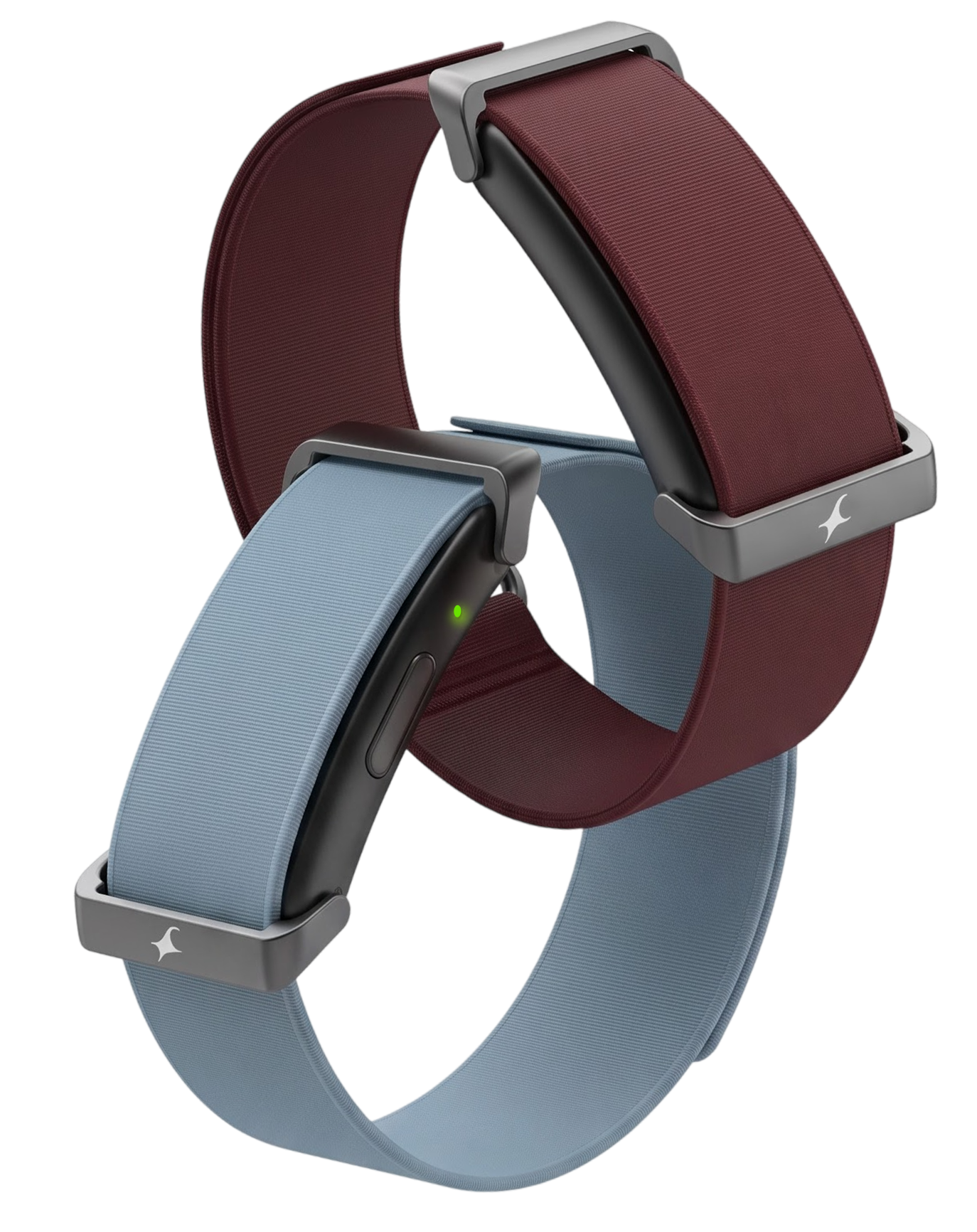
Press the power button. The band vibrates once. The blue LED flashes when the band is switched ON, and the red LED flashes when it is switched OFF.
2. How do I charge the Fastrack Smart Band?
Connect the charging cable securely to the band. The red LED stays ON while the band is charging and turns green when it is fully charged.
1. How should I wear the band for accurate health tracking?
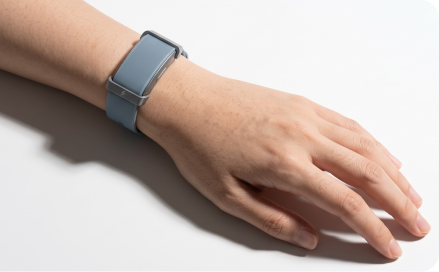
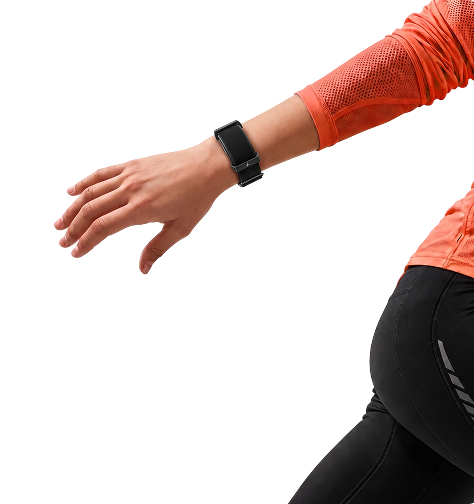
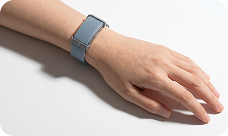
Wear the band snug on your wrist, neither too loose nor too tight.
2. Does the band's health data replace medical advice?
No. All health information is for reference only and is not intended to diagnose, treat or prevent any medical condition.
1. Which app should I download?
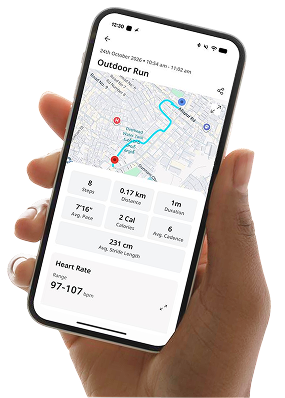
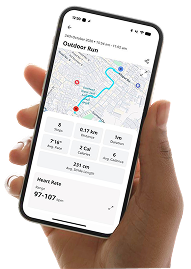
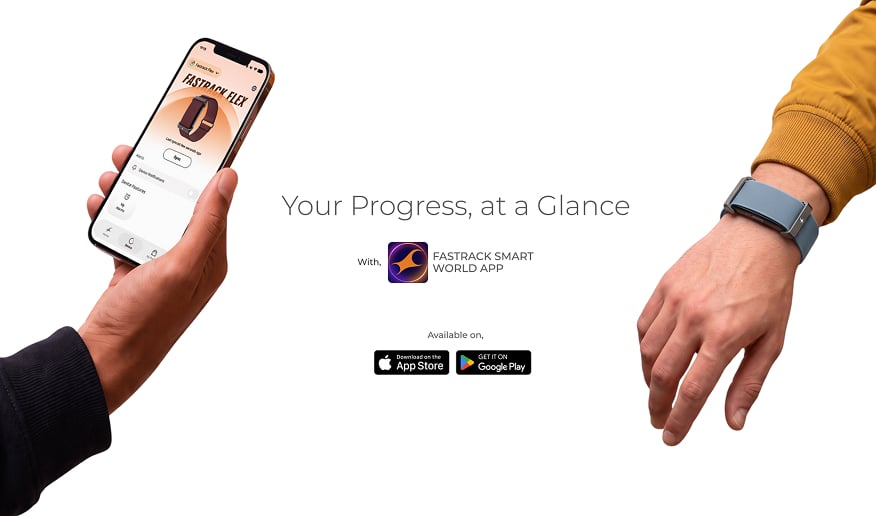
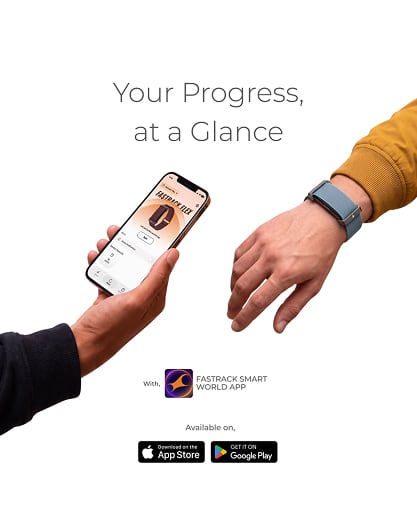
Download the Fastrack Smart World app from the App Store or the Google Play Store.
2. Which phones are compatible with Fastrack Smart Flex?
The app supports phones running iOS 16.0 or later and Android 10.0 or later.
3. How do I pair the band with my phone?
Turn ON Bluetooth on your phone, open the Fastrack Smart World app and select Device. Then search for your band and select it to pair.
4. What should I do if the band does not connect?
Bring your phone closer to the band and make sure Bluetooth is turned ON. Then open the app and refresh the device page.
1. What is the warranty period?
The band comes with a one-year limited warranty against manufacturing defects, subject to the terms in the user manual.
2. How can I contact customer support?
Call us on 1800-266-0123 or email [email protected].


Product has been removed from the wishlist
Product moved to cart
Add minimum 2 products to compare
You may compare up to 4 items at a time
Item Added to your Wishlist